
Building My First Public WordPress Plugin
How AI Helped (and Hindered) the Process

First Plugin for Click Foundry
I’ve built a few plugins for myself and clients, but I’ve never made anything for public consumption. In mid-August 2025, I started writing a basic image converter and optimizer. If you have a JPG or PNG image and upload it to WordPress, and you have my plugin, you’ll also create a WebP and AVIF version of the image with default compression settings that can be adjusted.
If all of it sounds like technical jargon, it matters because images are heavy and next generation formats are not heavy. That means sites with webP and AVIF images will outperforms sites without them all other things held constant.
Just for reference, a 1500x 1200 image in JPG is about 1.4MB and that same image is 250KB in webP and 99KB in AVIF. I work with architects so it’s often important to preserve large image sizes in pixels for their high quality architectural photography.
Image optimization, whether size, format, compression, or some combination of the three, is important for site speed optimization. There are so many ways to convert and optimize images: desktop applications, custom scripting, or via the command line are probably the most efficient. But for most people, I think this part of the work is clunky. For the longest time, my workflow was dragging 5–10 images at a time into CloudConvert, uploading them to WordPress, and then realizing they could have been smaller if I’d just gone back and tweaked the compression settings.
So, I built a simple plugin that would convert any jpg and png uploads into new gen format images. There are other plugins that do this, but they all operate on a freemium model. So, I made one that is just free.
How I built the plugin
I used Claude to build this plugin and ChatGPT to cross-examine or explain things. And it was fast, or at least it was fast for me. That said, I don’t trust the GPTs to build something on their own. GPTs can tell you about best practices for building plugins for WordPress. Oddly enough, WordPress’s plugin developer handbook does too, and the examples are clearer.
That said, the code is about 75% of the way there once you start prodding and poking at the GPTs to produce usable code. It’s just good to rein them in.
I started with a “show me the folder structure” of this sort of plugin, and it generated dozens of folders and files. Which is great, but not for a weekend build (which, in classic fashion, is what I thought this would be). Although Claude actually pulled the file structure from WordPress’ plugin developer documentation, it went with the bulkiest version. It’s overkill for what this plugin is doing.
I went with the most basic version of the plugin. I figured I would start off with something that did the job, which is what I usually do. Then I would build out to something that is acceptable on the WordPress marketplace.
From the get-go, Claude presented some issues related to the server and the PHP library. It had been suggested by Claude that I would need custom libraries added to the plugin file. This created bloat for the plugin.
The key here is specificity. I knew what I wanted because I had built smaller versions of this for myself on my desktop a while ago. I know that ImageMagick works (an image handling library). I’m running a local version of this plugin on my desktop, and most servers with PHP have this library enabled. So I asked it to use Imagick as the backbone of the operation, and the file shrank by 80%.
And it worked. It was an iterative process. I would install the plugin. Find something I didn’t like about it and prompt for new features. For instance, the plugin would produce the photos in AVIF and webP, but the new images would not show up in the library. So we worked this out, and I learned a good deal about how WordPress assigns IDs to images.
Where Claude and Chat GPT were Amazing
Errors and Warning. Once I got through the meat of the plugin, with plenty of help. I used WordPress’ plugin checker, and it returned upwards of 50 errors and warnings. Most of them had to do with escaping HTML. This isn’t the style I’m used to writing in, but it is WordPress’ house style, and it makes a lot of sense from a security standpoint.
The Code Was Submitted Today.

Hoping it all goes well. You can check out the code at my github page here: https://github.com/clickclacknvrwhack/basic-image-converter-optimizer
If you want to test it out, help make it better, drop me a line at my GitHub page or send me an email by going to https://clickfoundry.co
New This Month
Few thing things happened this month, so here is a brief overview.
One is that I finished this plugin for review.
Wrapping up a new site for an architect. We’re not quite done, but we’re pretty close. Hopefully, I’ll share it in the next post.
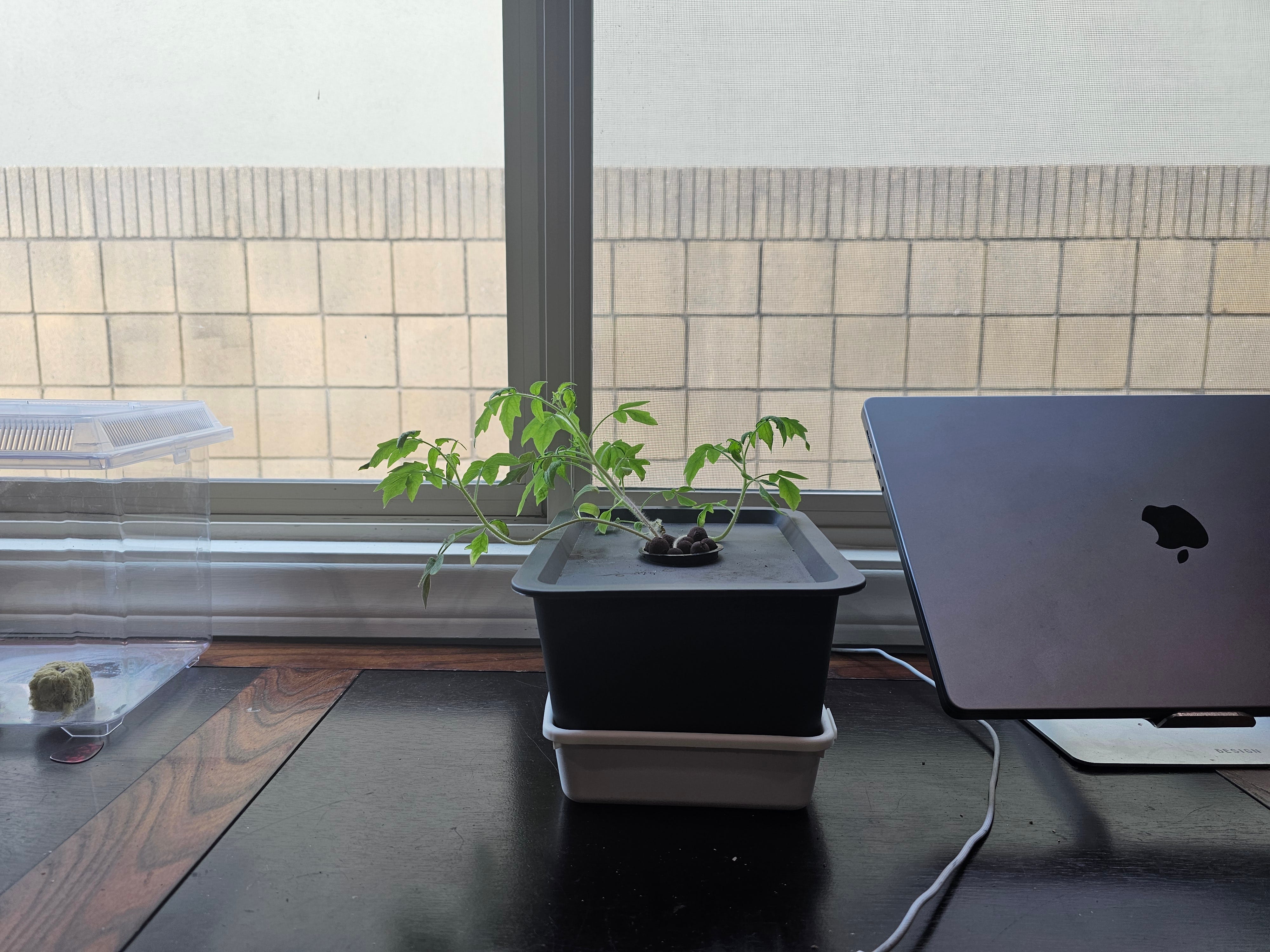
This tomato plant Kratke thing has not died on me and is thriving, I think.
I got hacked. Boo! Nothing to fret over, I suppose. I don’t want to just upload my backups. So, I’m taking it as an opportunity to rebuild clickfoundry.co
Video for the Month
I’ve tried to be offline this month and my favorite video is probably my three year old dancing to takedown. Not going to post that... So, i’m just going to post an oldie, but goodie.